Device Management System
DMS is a unified platform for managing devices across classrooms, offices, buildings, and multiple locations.
It helps administrators centrally monitor, control, secure, and maintain all devices through remote access, OTA updates, policy management, and real-time analytics—making device operations simpler, faster, and more efficient.
Device Management System
DMS is a unified platform for managing devices across classrooms, offices, buildings, and multiple locations.
It helps administrators centrally monitor, control, secure, and maintain all devices through remote access, OTA updates, policy management, and real-time analytics—making device operations simpler, faster, and more efficient.
Device Management
Manage all devices from one platform.
DMS lets administrators monitor device status, locate devices, and perform remote maintenance directly from a browser.Whether devices are in classrooms, offices, or multiple sites, everything can be managed centrally and efficiently.
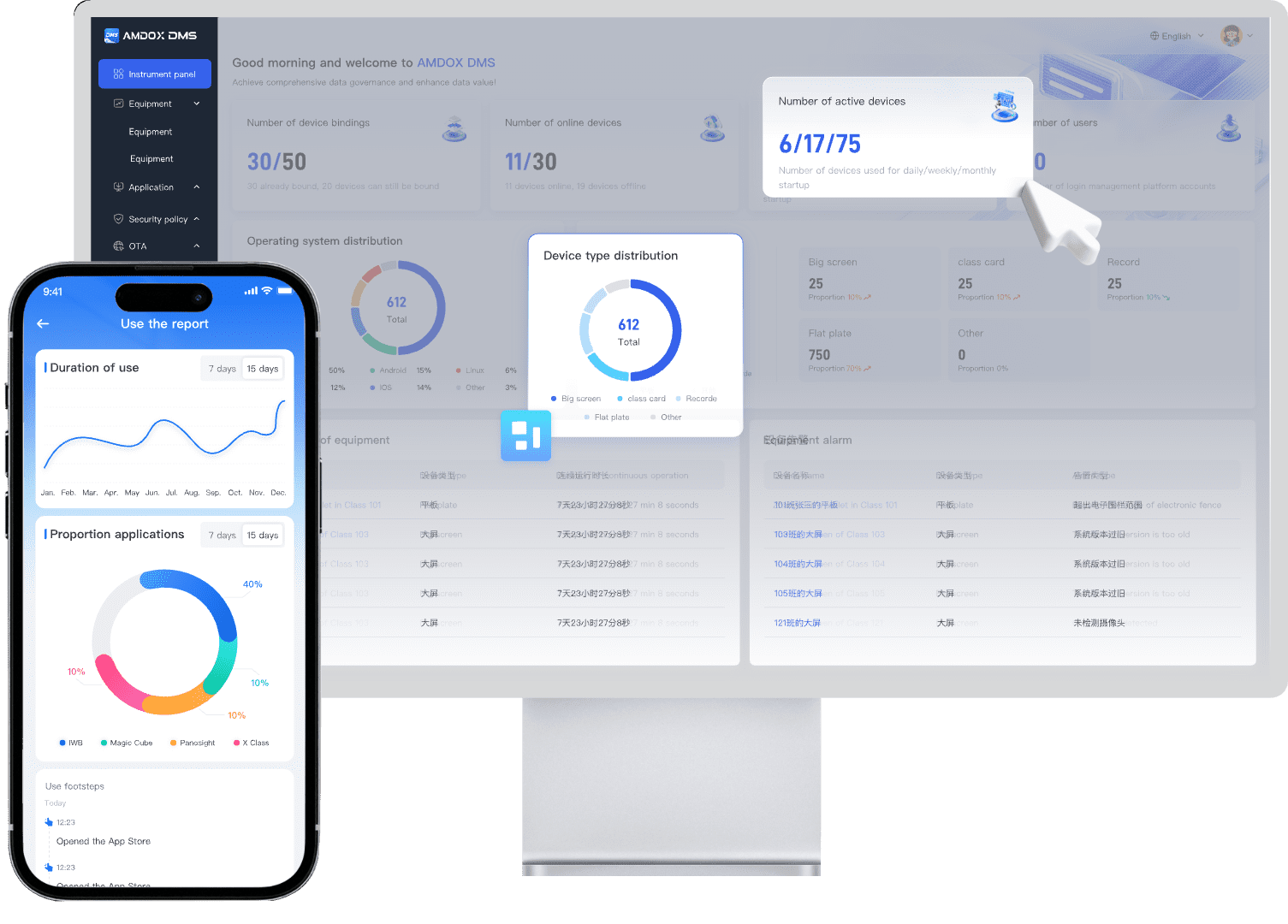
Data Analytics
Track device usage, software activity, and health status to support better maintenance and resource planning.
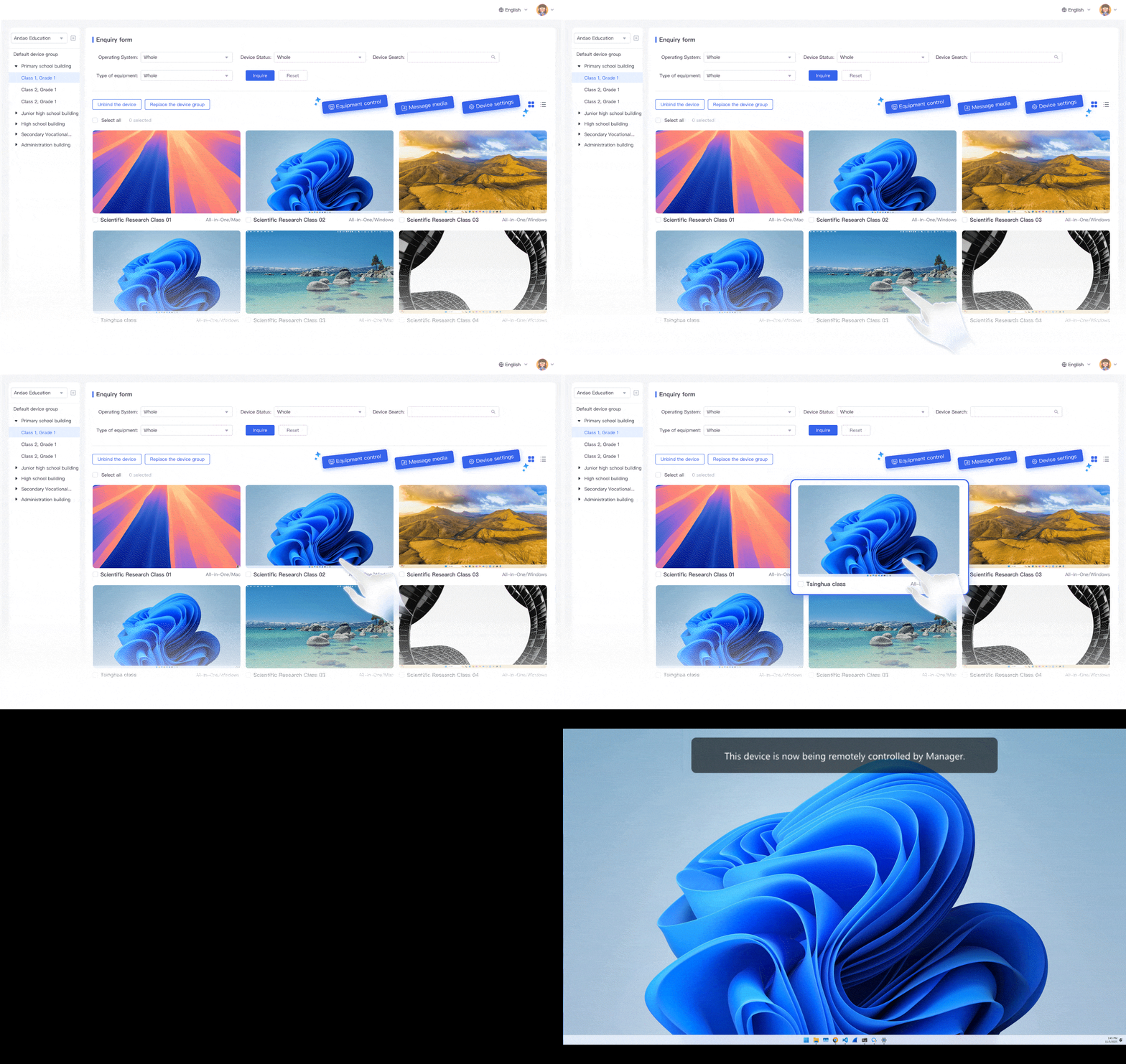
Remote Screen Control
View and control device screens remotely to quickly resolve issues and reduce on-site support.
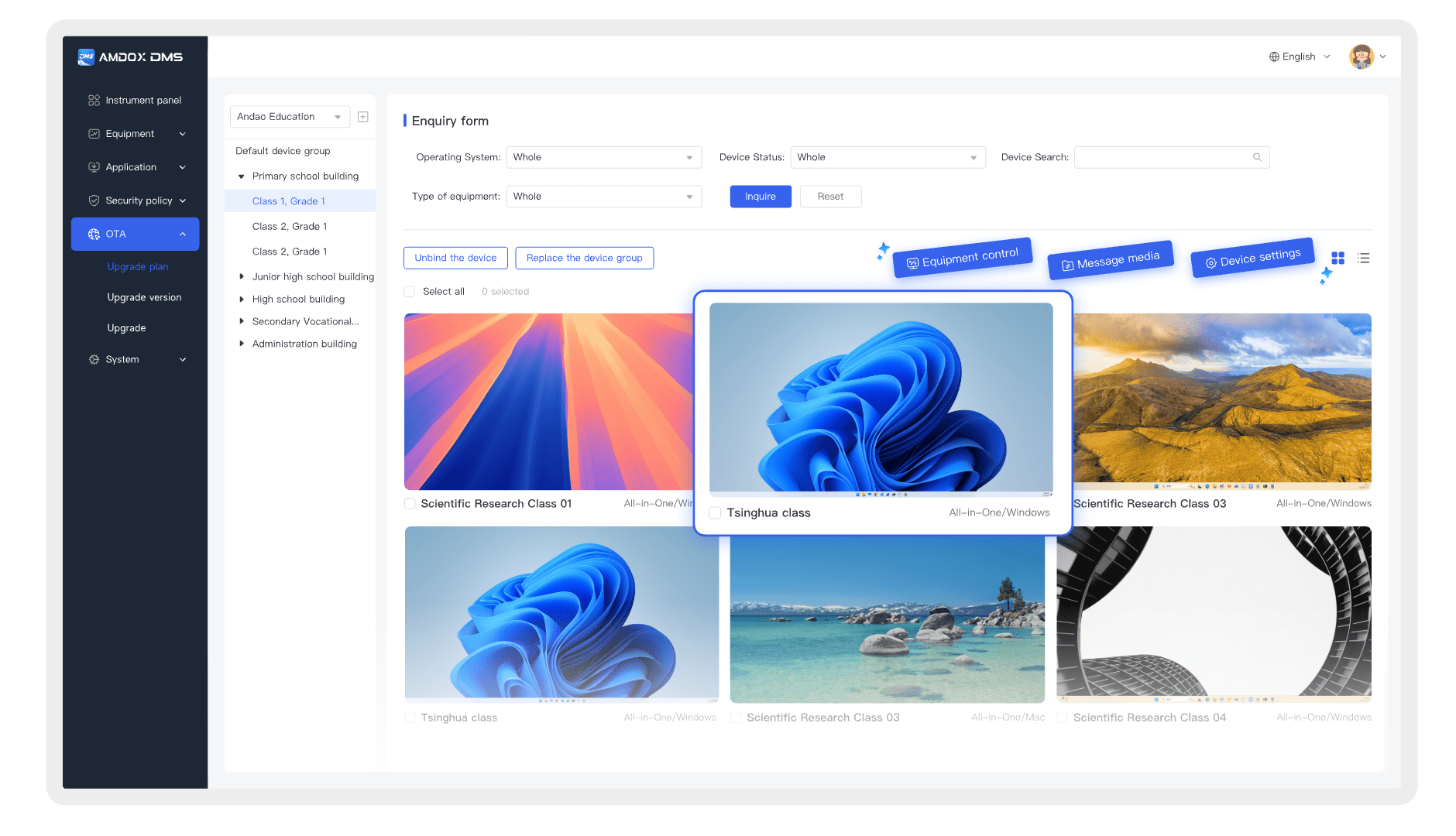
Remote Commands
Execute power on/off, lock screen, file transfer, and other commands remotely to improve efficiency.
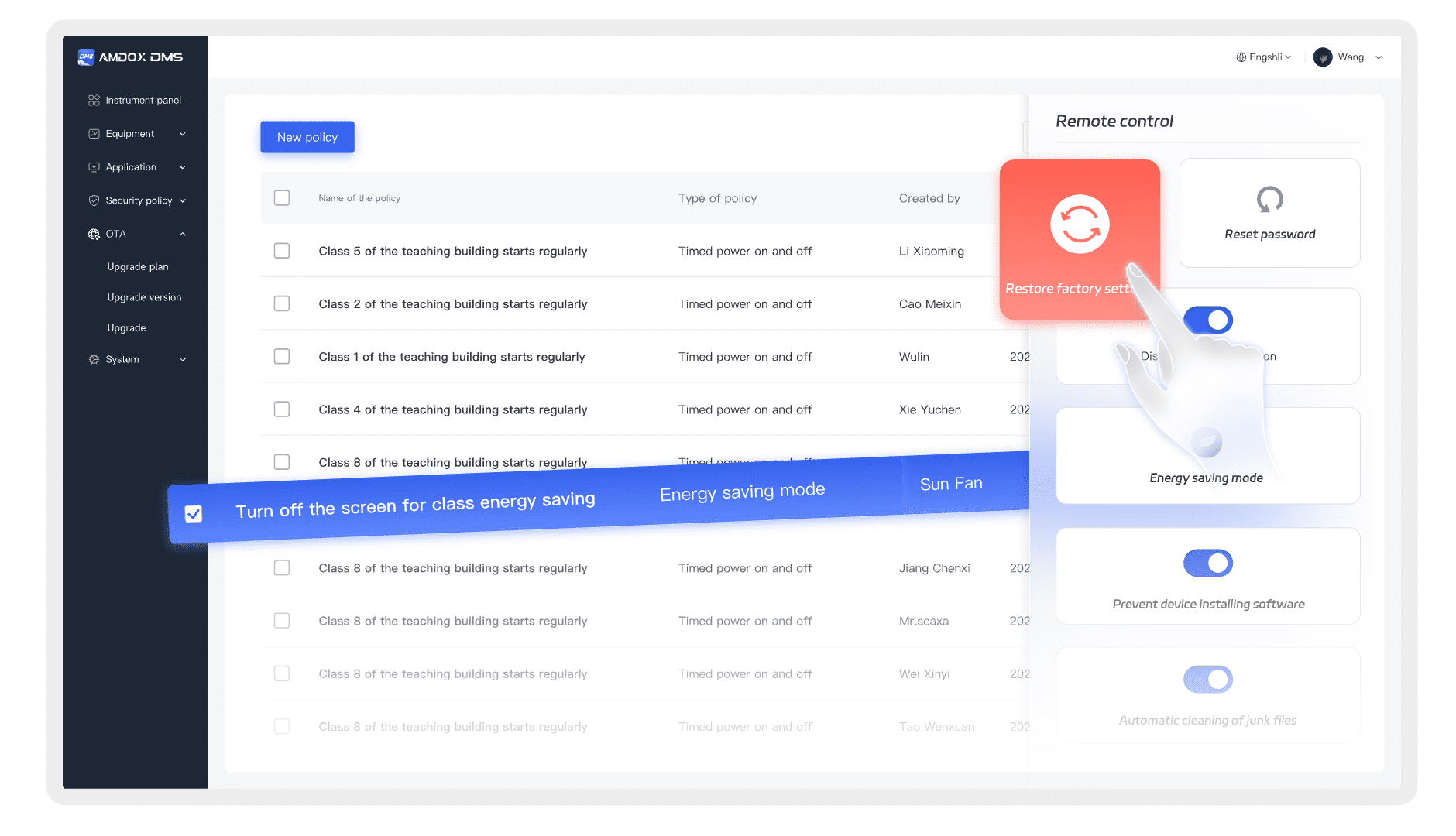
Security Policies
Apply access control, app restrictions, and security rules to keep devices stable and protected.
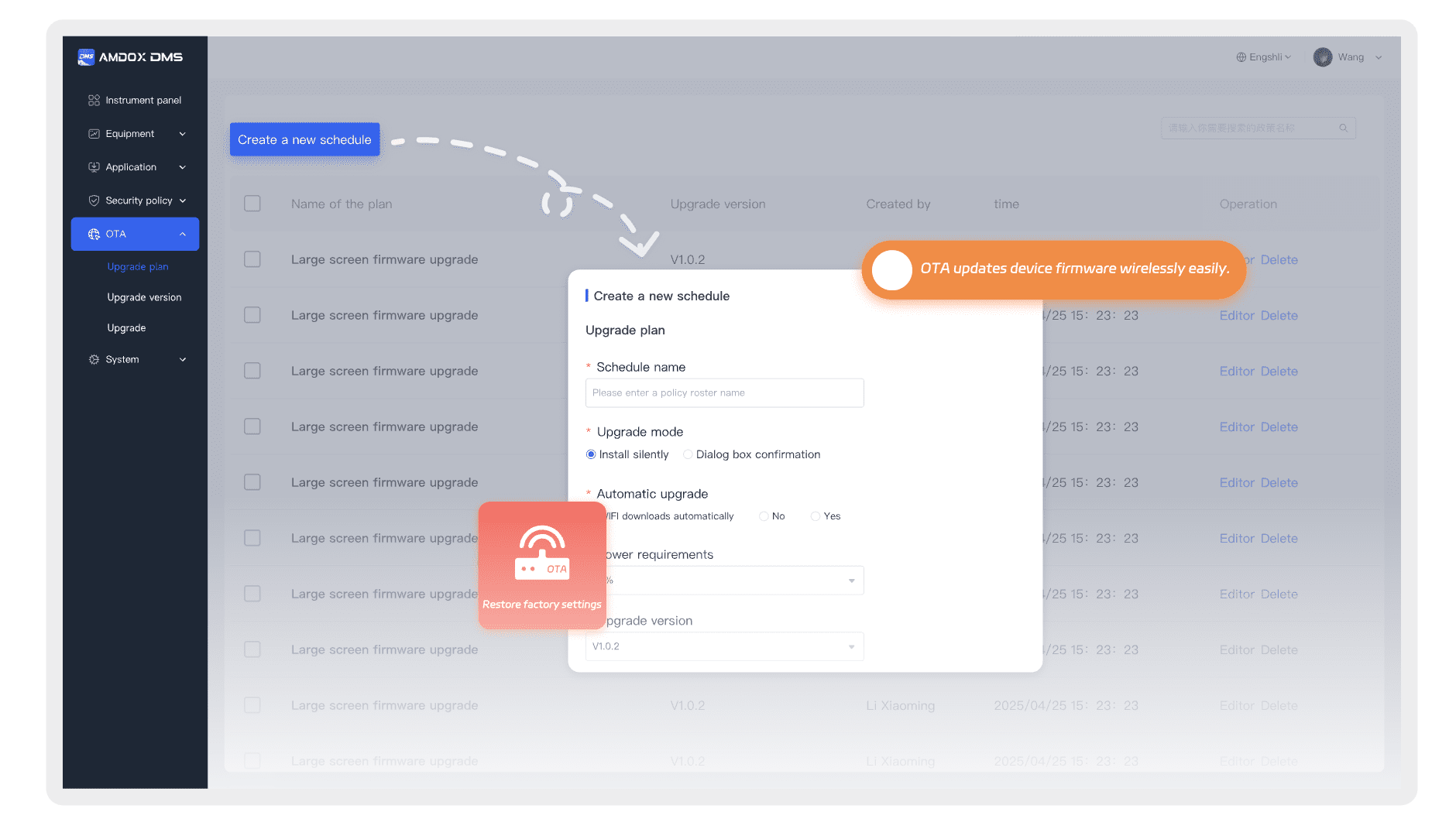
Remote OTA
Keep devices updated and secure.
DMS supports remote OTA updates for systems, firmware, and key components, helping IT teams deploy patches and upgrades quickly while reducing maintenance costs and operational risks.
Smart Policies
Automate device control with unified policies.
DMS helps manage access, applications, energy usage, device security, and dedicated usage modes—reducing manual work while improving efficiency and protection.
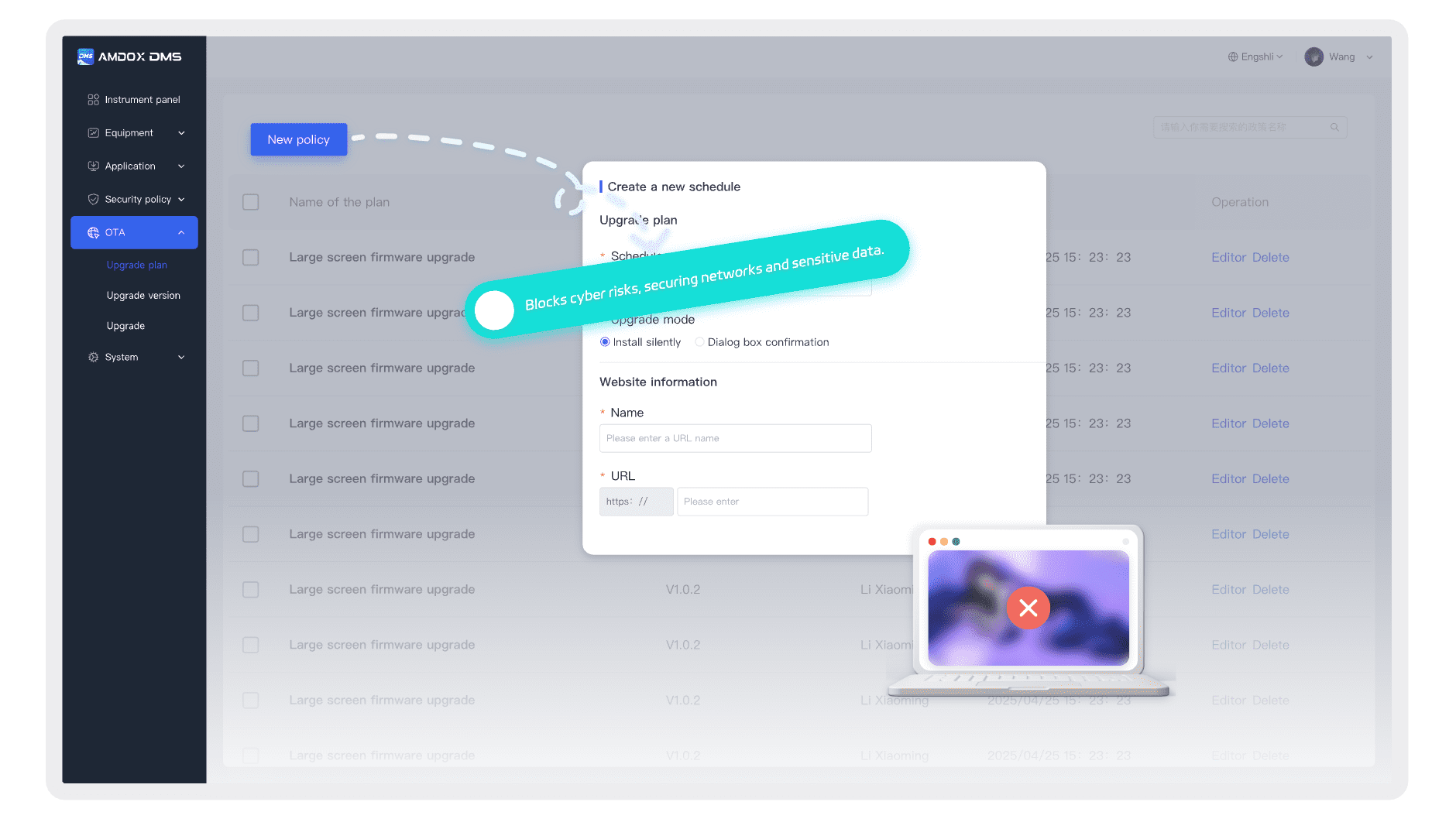
Content Control
Filter content access and create safer digital environments for schools and businesses.
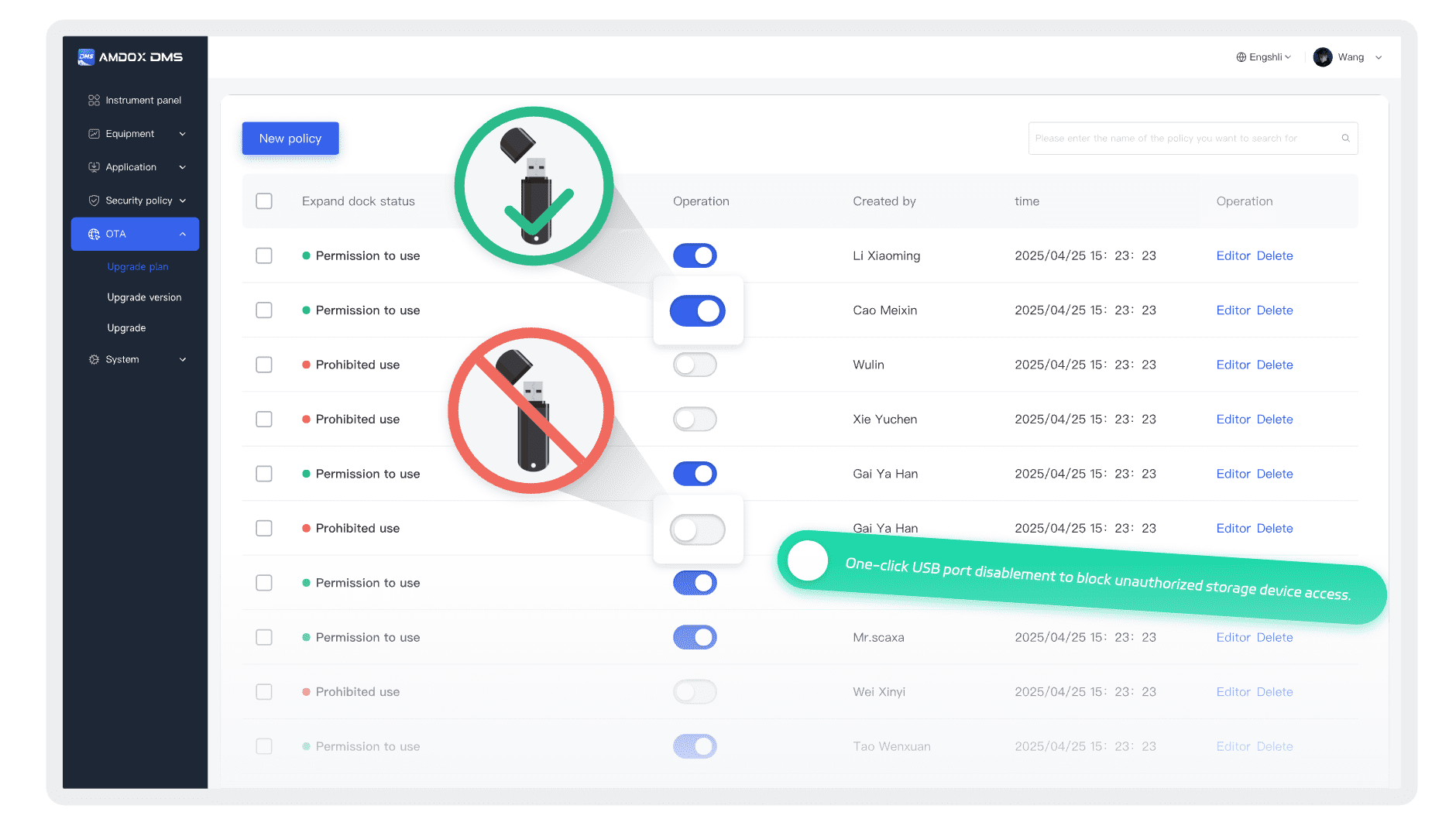
USB Security Control
Restrict USB ports and external devices to reduce data leakage risks.
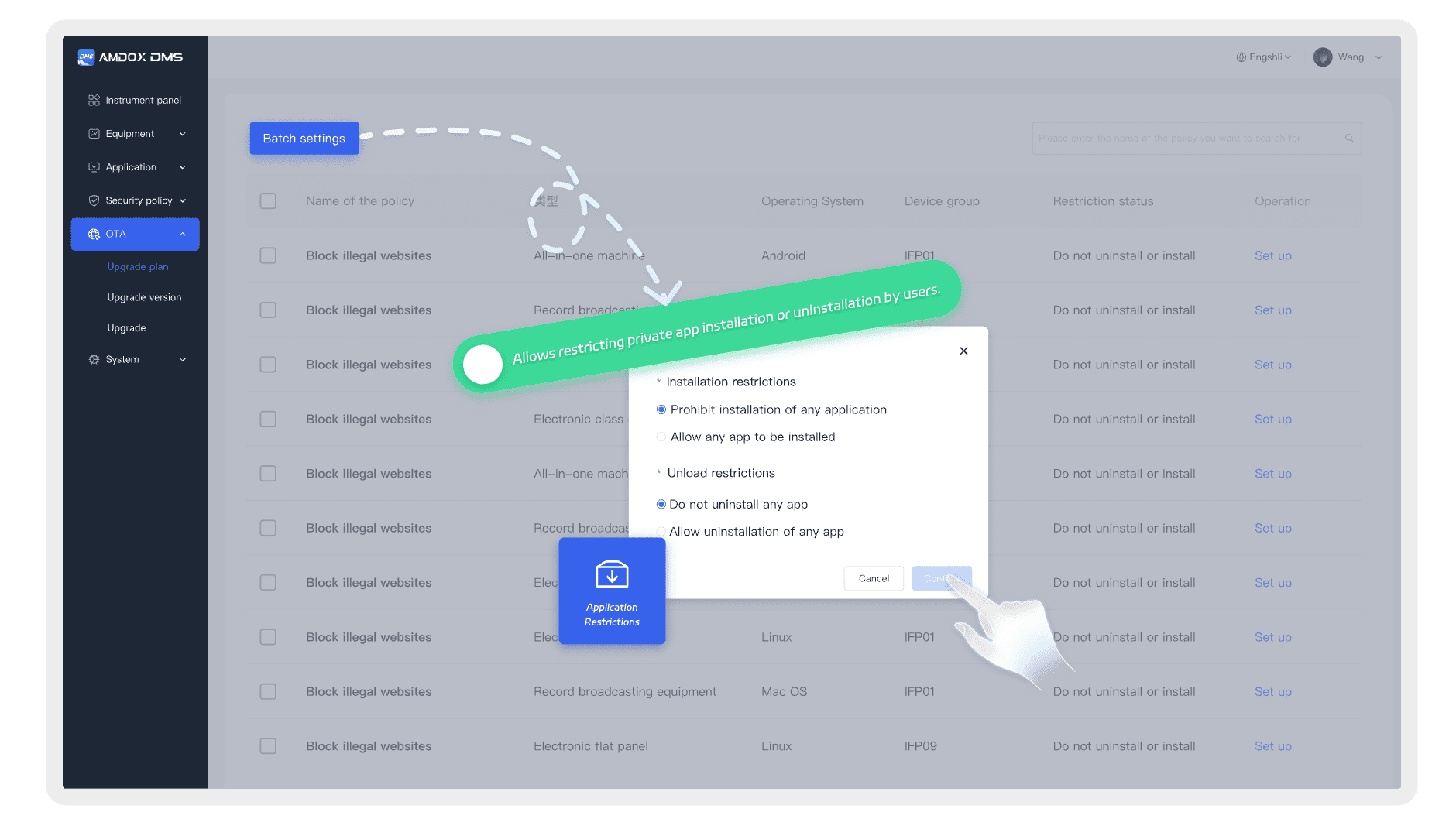
Apps Restrictions
Control app installation, usage, updates, and permissions remotely.
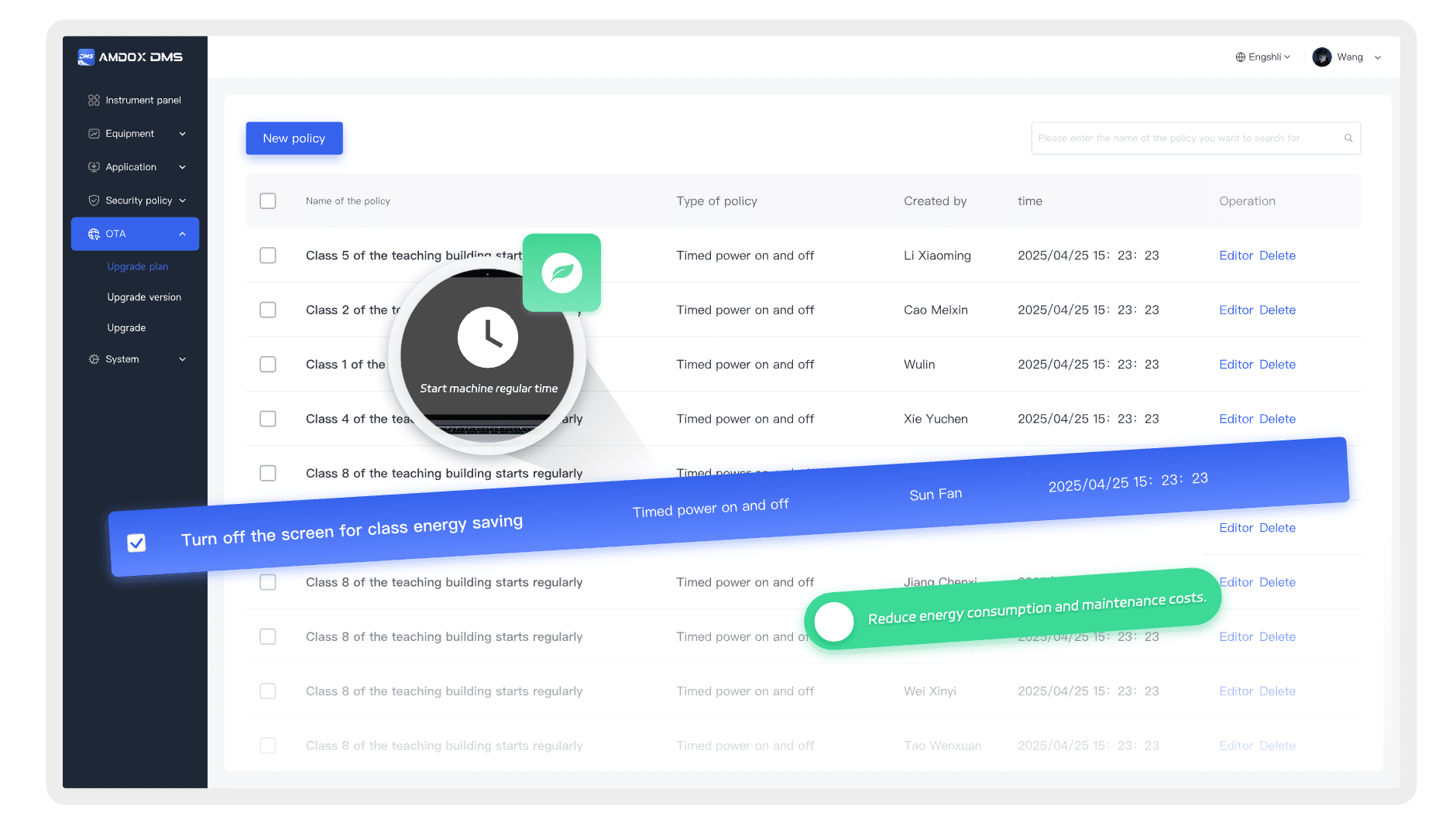
Smart Power Management
Reduce energy waste with scheduled shutdowns and automated power-saving rules.
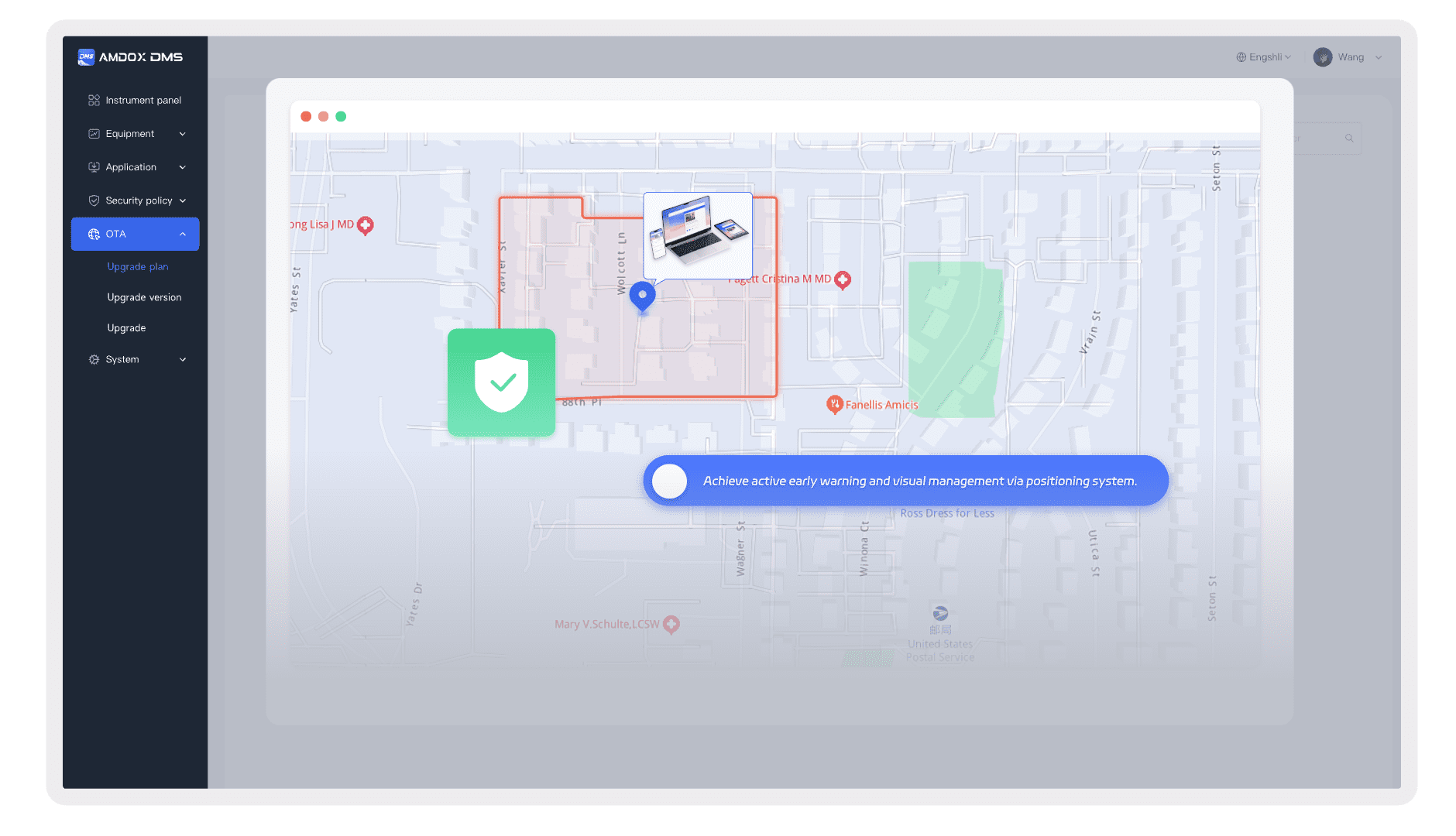
Geofencing
Monitor device movement and receive alerts for loss or abnormal location changes.
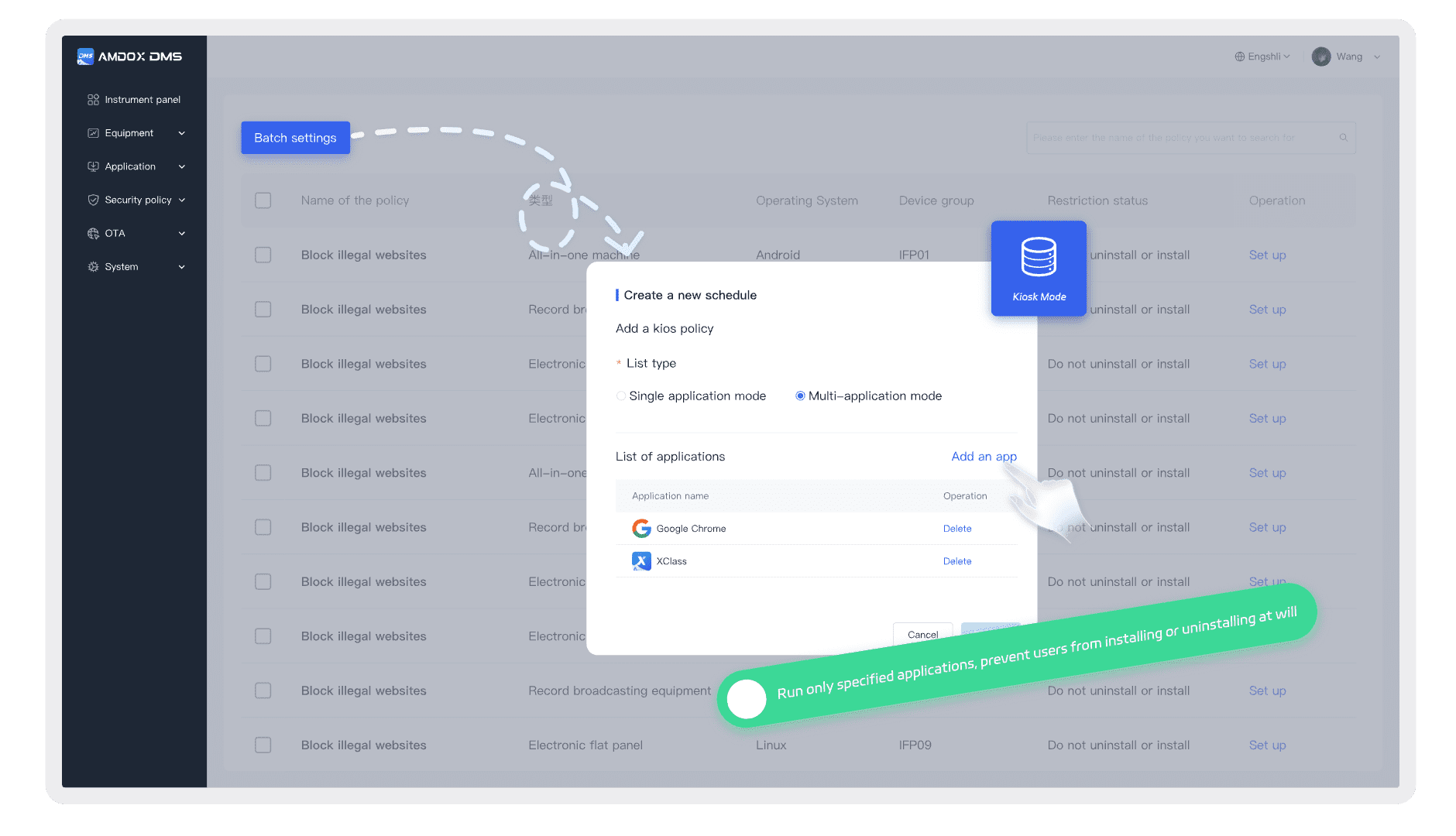
Kiosk Mode
Lock devices to specific apps for secure and dedicated use.
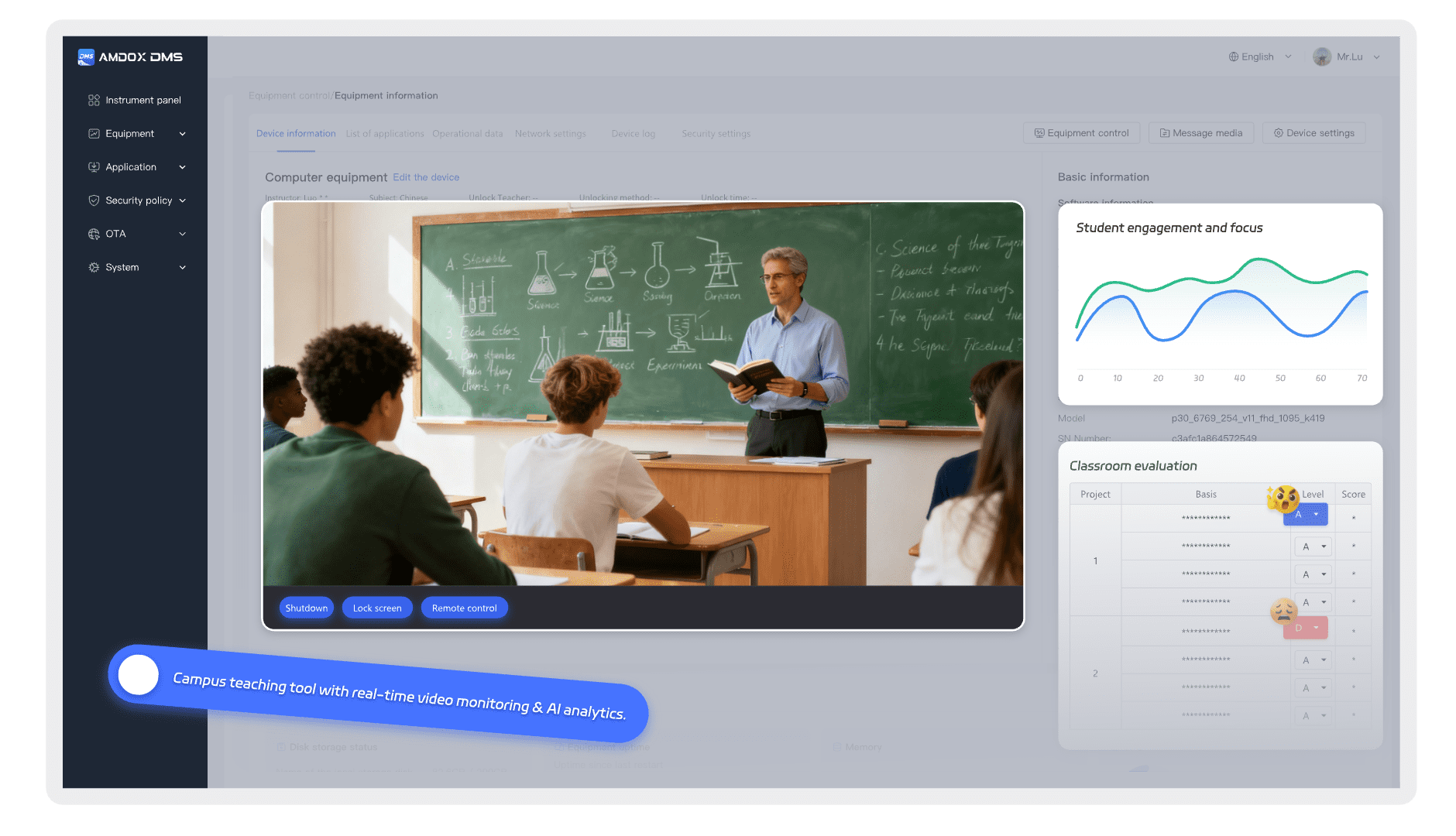
Built for smart education.
DMS allows administrators to remotely monitor classroom screens, teaching activities, and student engagement, providing better visibility and stronger teaching management support.
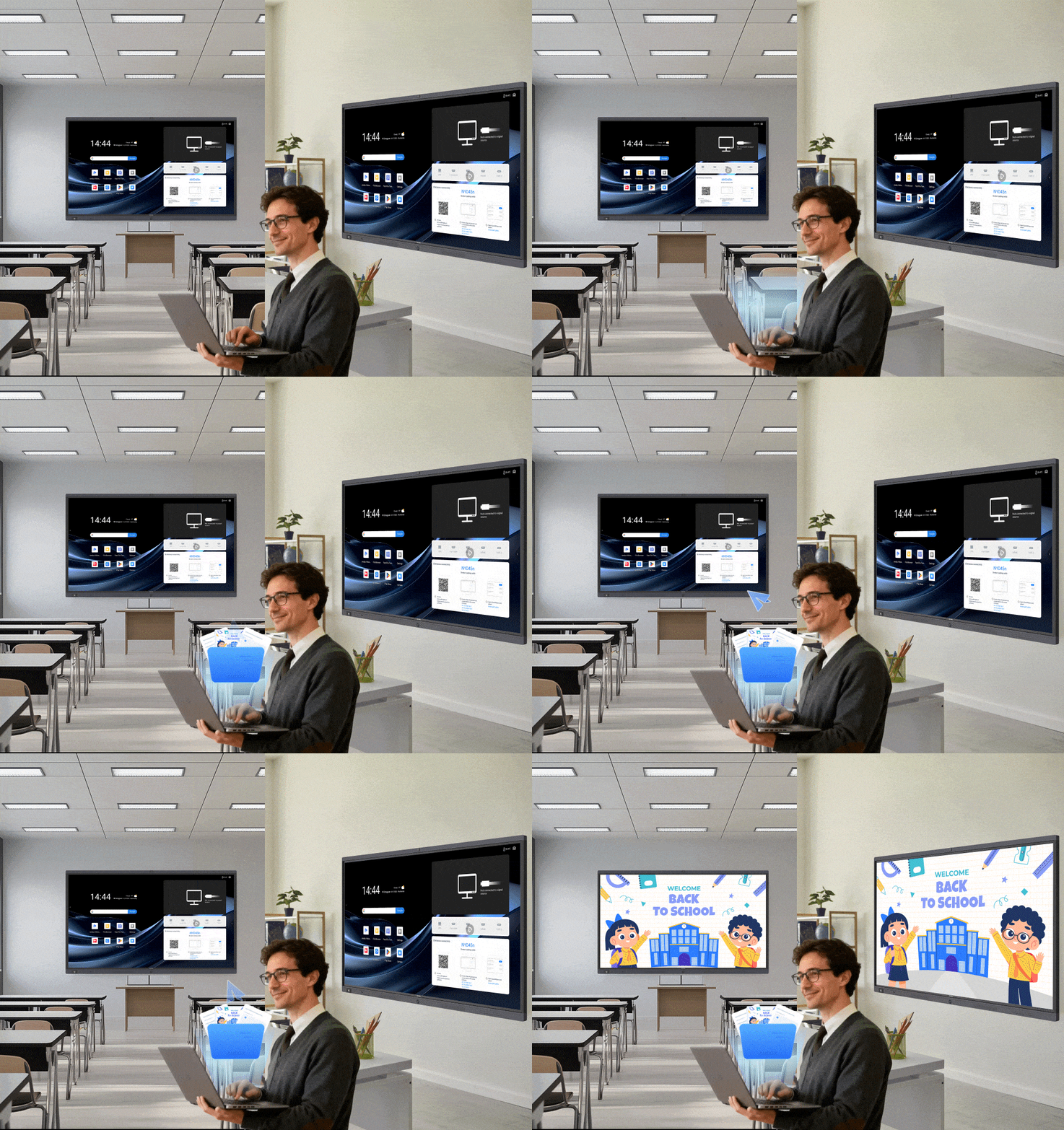
Publish content from one platform.
DMS supports centralized delivery of notices, images, videos, music, and files with scheduling tools, templates, and media libraries—making communication faster and more consistent.
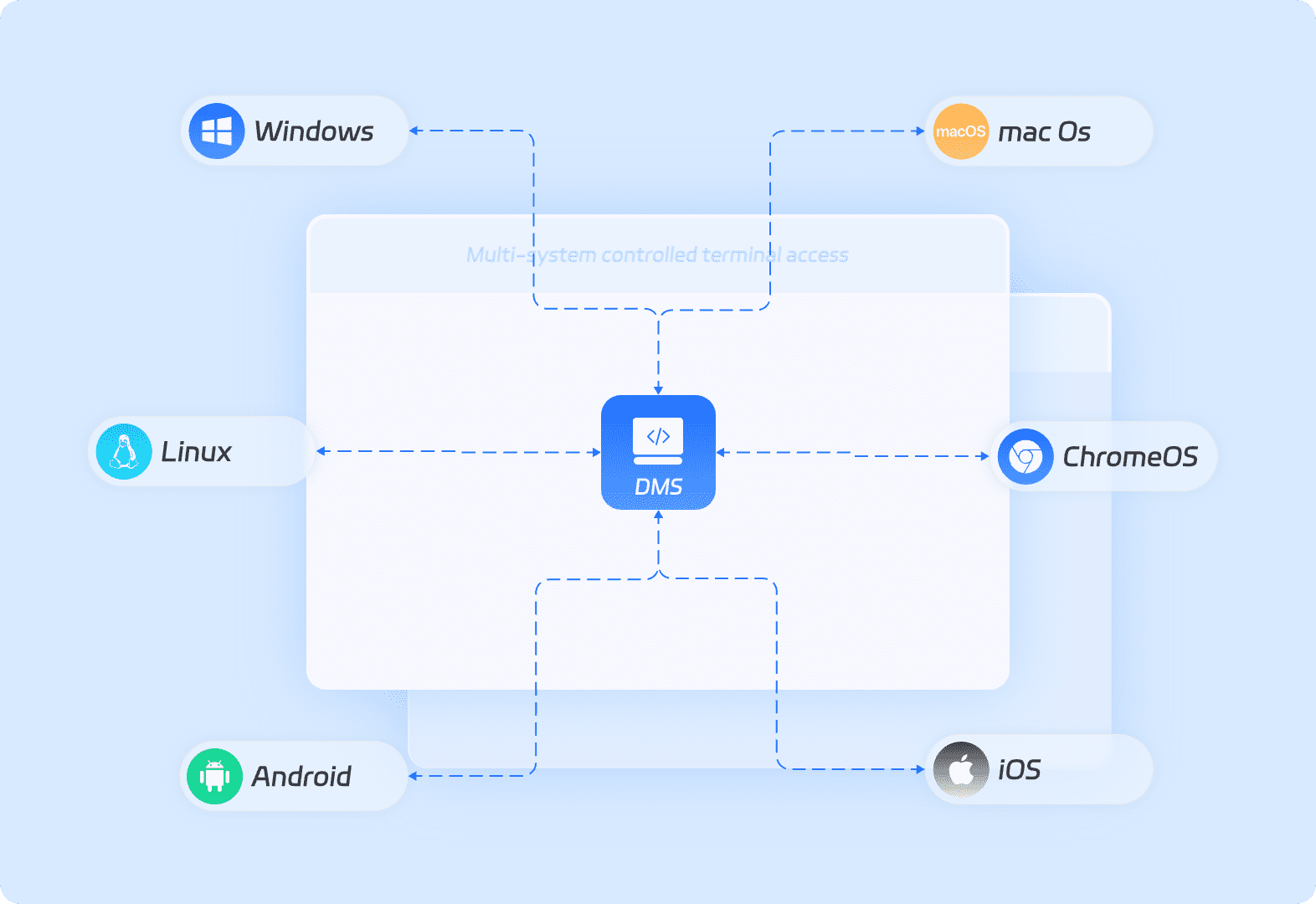
Supported Hardware & Operating Systems
Manage all endpoints in one place.
DMS supports Windows, Linux, Android, ChromeOS, iOS, and macOS, helping you control interactive displays, office devices, classroom terminals, and mobile endpoints from one platform.
Flexible options to fit different needs
| Features | |
| Dashboard | |
| System Overview | √ |
| Alerts & Advanced Monitoring | √ |
| Device Management | |
| Device Registration | √ |
| Device Control | √ |
| Device Details | √ |
| Device Logs | √ |
| App Management | |
| App Store | √ |
| OTA Management | |
| Version Management | √ |
| Upgrade Plan | √ |
| Security Policies | |
| Geo-Fencing | √ |
| Intelligent Control | √ |
| URL Whitelist / Blacklist | √ |
| Docking Station Restriction | √ |
| App Restrictions | √ |
| KIOSK Mode | √ |
| Classroom Patrol | |
| Classroom Monitoring | Subscription |
| Classroom Evaluation | Subscription |
| Patrol Records | Subscription |
| Information Broadcast | |
| Task Scheduling | √ |
| Campus Broadcast | √ |
| Template Library | |
| Media Library | √ |
| Task List | √ |
| Publish Logs | √ |
| System Management | |
| Role Management | √ |
| Account Management | √ |
| Personnel Management | √ |
| Device Group Management | √ |
Talk to an Expert
Not sure what fits your business needs ? Get free consultation !
-1.png)