
Amdox IWB
Smart Teaching Tool for Classrooms
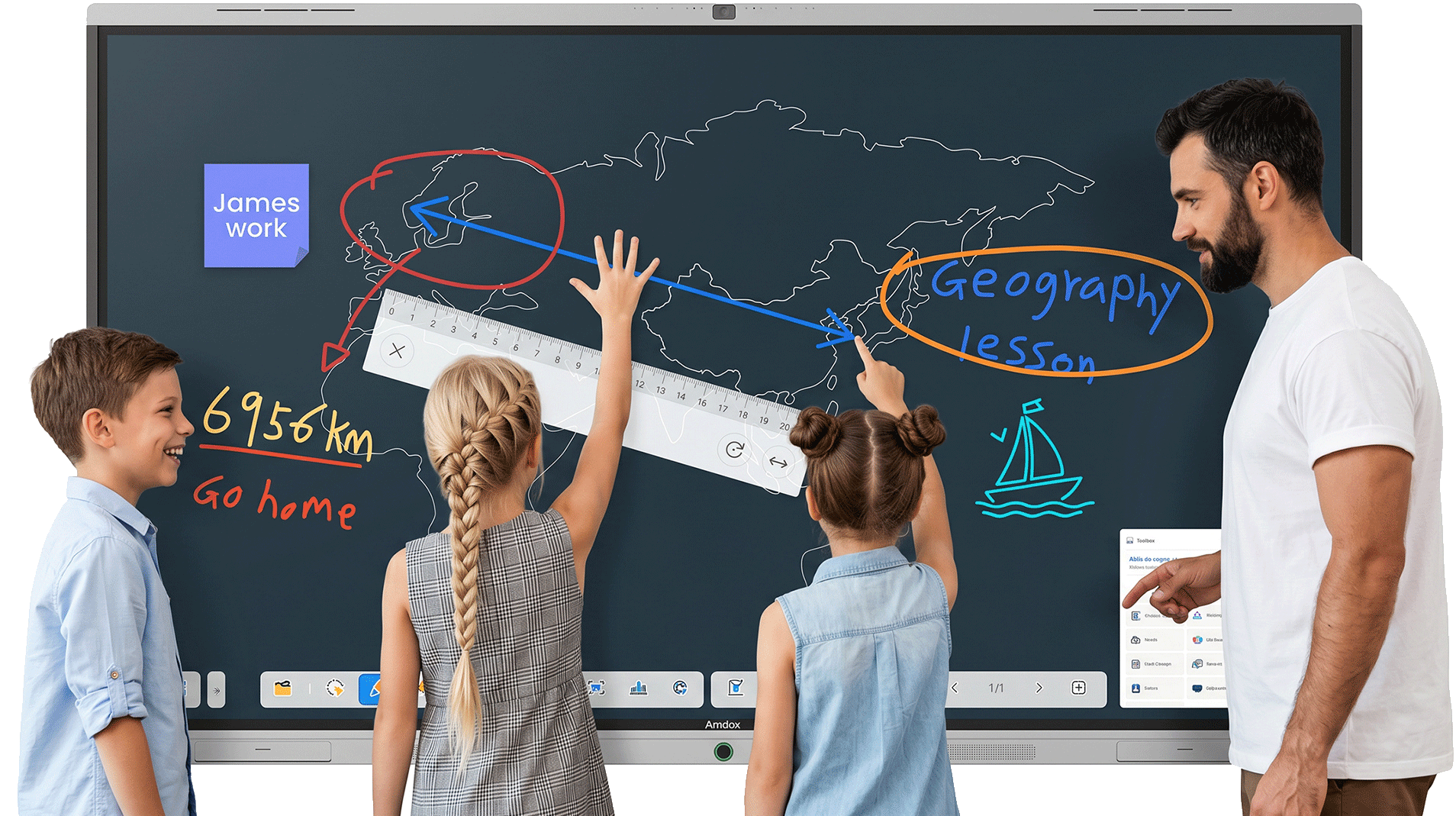
AI-powered touch interaction integrates multimedia and teaching functions to create a more engaging and efficient classroom experience.
Amdox IWB helps teachers deliver immersive lessons, simplify complex concepts, and inspire student participation through intelligent interaction.
Five-Level Intelligent Interaction
Automatically recognizes pen, finger, palm, and gesture actions, enabling seamless writing, control, and erasing.
Designed around traditional teaching habits, it delivers a natural and effortless interactive experience.
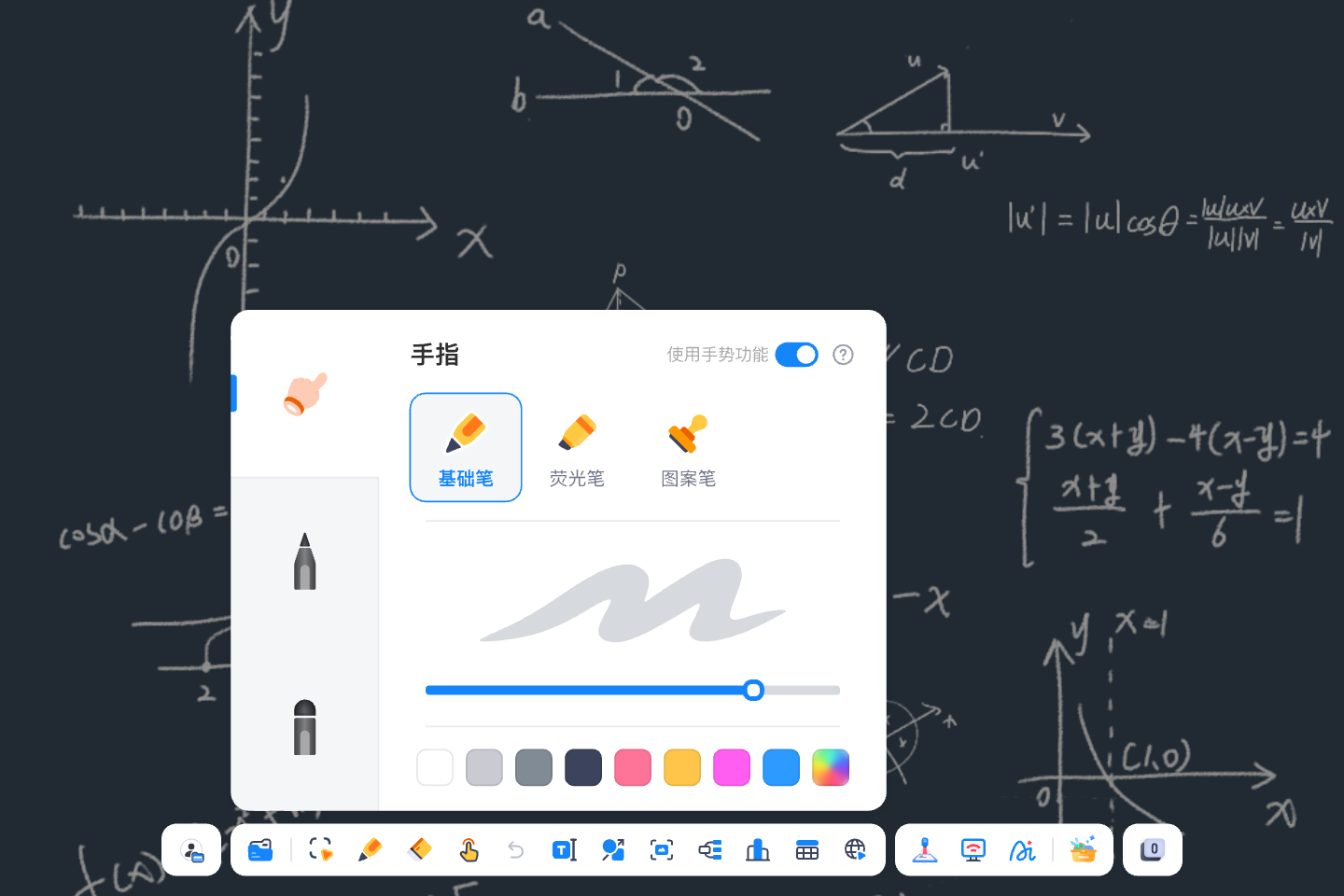
Smart Writing
Supports adjustable pen thickness and multiple writing styles including pen, highlighter, and brush.
Teachers can easily highlight key points, add annotations, and create clear digital handwriting.
Easy Erasing
Supports palm and hand-back erasing for quick content removal without switching tools.
Provides a natural writing experience similar to a traditional blackboard.
Intelligent Gestures
Supports page turning, zooming, dragging, and undo gestures.
Teachers can control lessons naturally without interrupting the teaching flow.
AI Teaching Assistant
Powered by AI models, the assistant supports handwriting enhancement, knowledge analysis, and teaching content generation. It helps teachers reduce preparation time and create more interactive learning experiences.
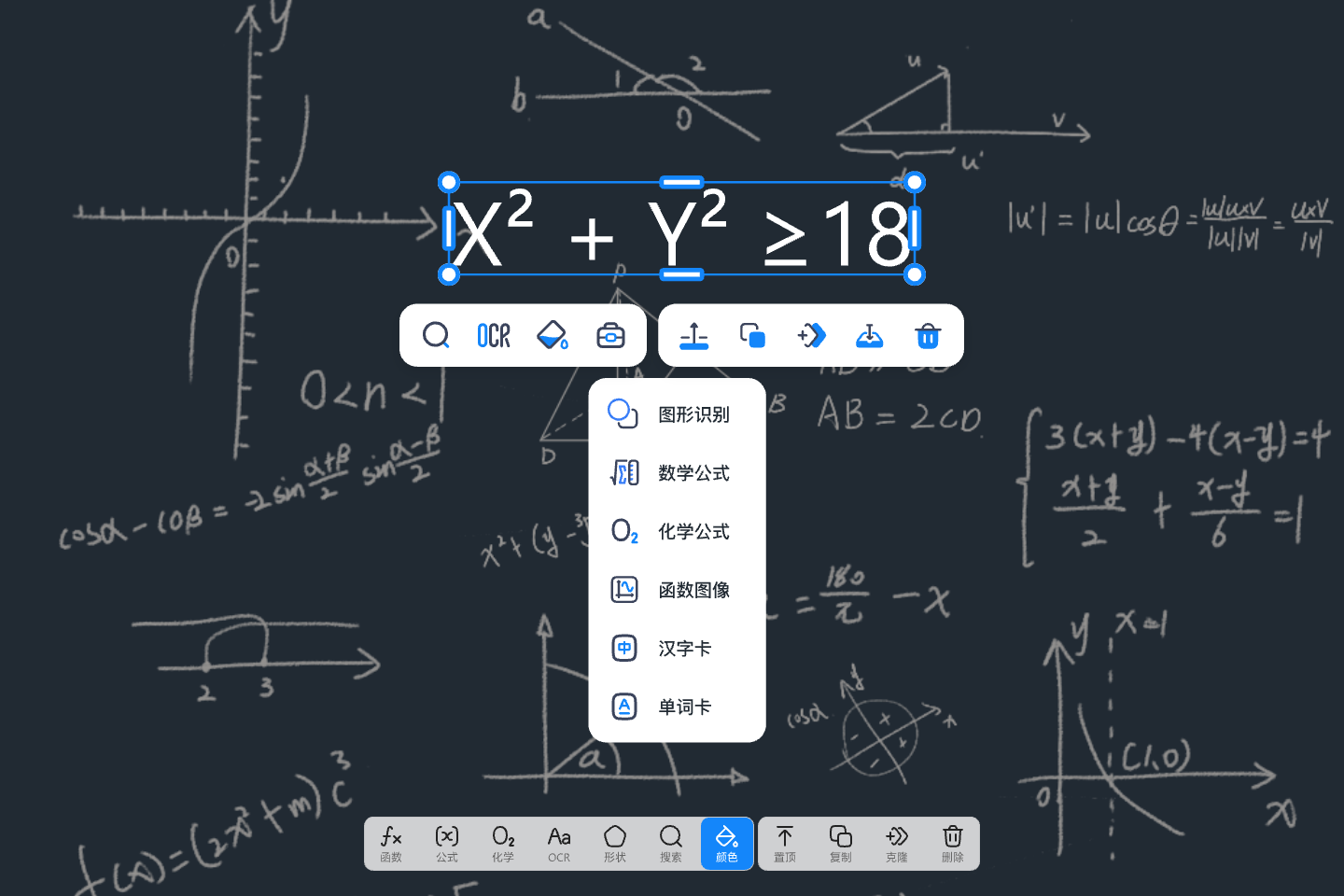
AI Handwriting Enhancement
Recognizes handwritten content and automatically improves clarity and formatting with one click.
Creates clean and professional digital notes.
AI Knowledge Analysis
Instantly analyzes questions, formulas, and learning content.
Provides explanations, related knowledge, and problem-solving guidance to support deeper teaching.
AI Content Generation
Automatically generates lesson outlines, exercises, summaries, and learning materials.
Helps teachers quickly enrich classroom content.
Intelligent Resource Management
Unifies local files, cloud storage, and third-party platforms for seamless teaching resource access. Supports multi-format files and cross-device synchronization between classroom, office, and home.
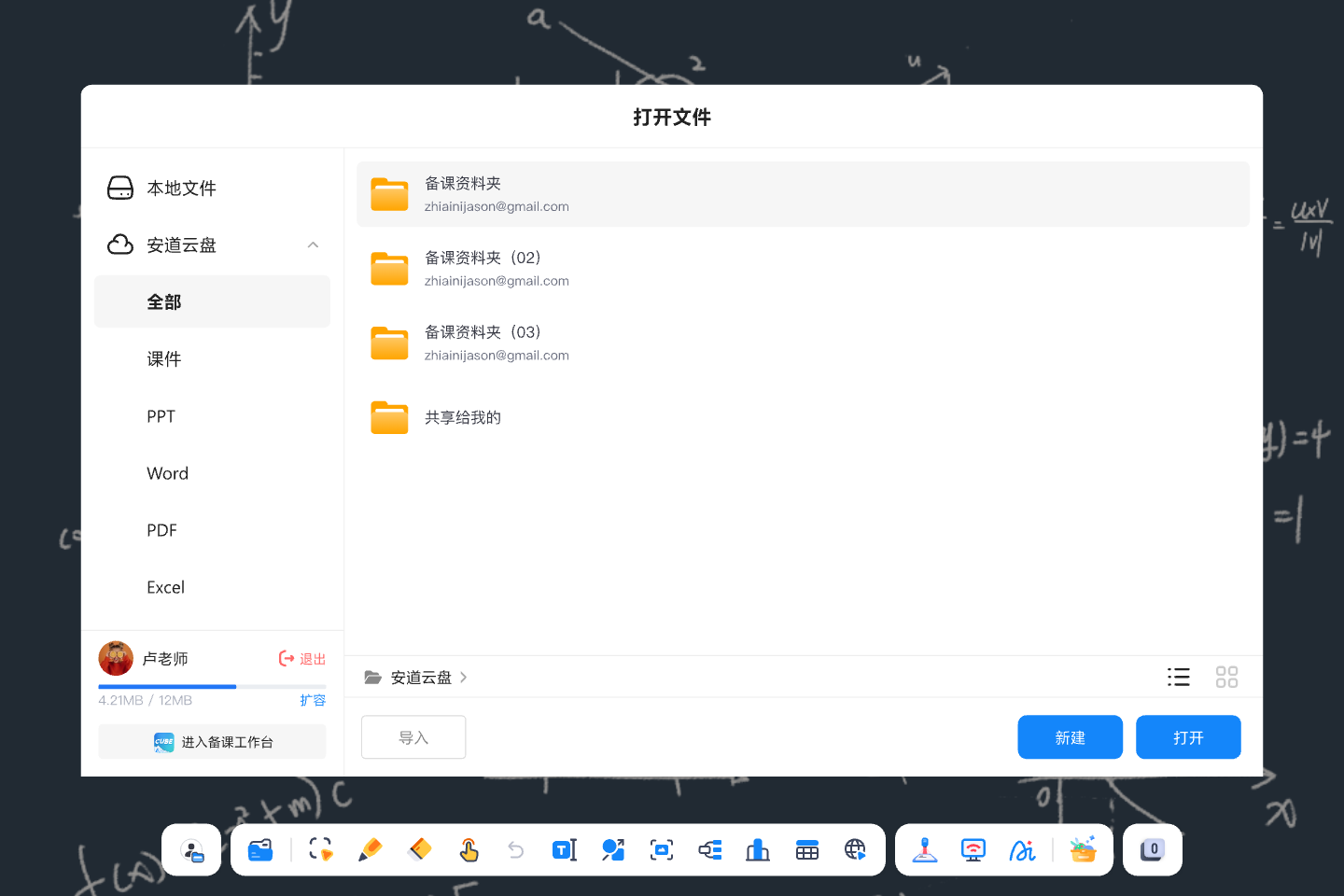
Cloud Resource Access
实备课资源自动云同步,告别 U 盘拷贝,教室 / 办公室 / 家中备课内容无缝衔接。
Cloud Platform Integration
Supports Google Drive, OneDrive, Baidu Netdisk, and other cloud storage services for easy file access and management.
Multi-Format Compatibility
Supports PPT, Word, PDF, images, and videos.
Teachers can directly annotate and edit files without format conversion.
Professional Teaching Tools
A complete set of classroom tools for presentation, recording, and multi-device collaboration. Supports traditional, hybrid, and interactive teaching scenarios.
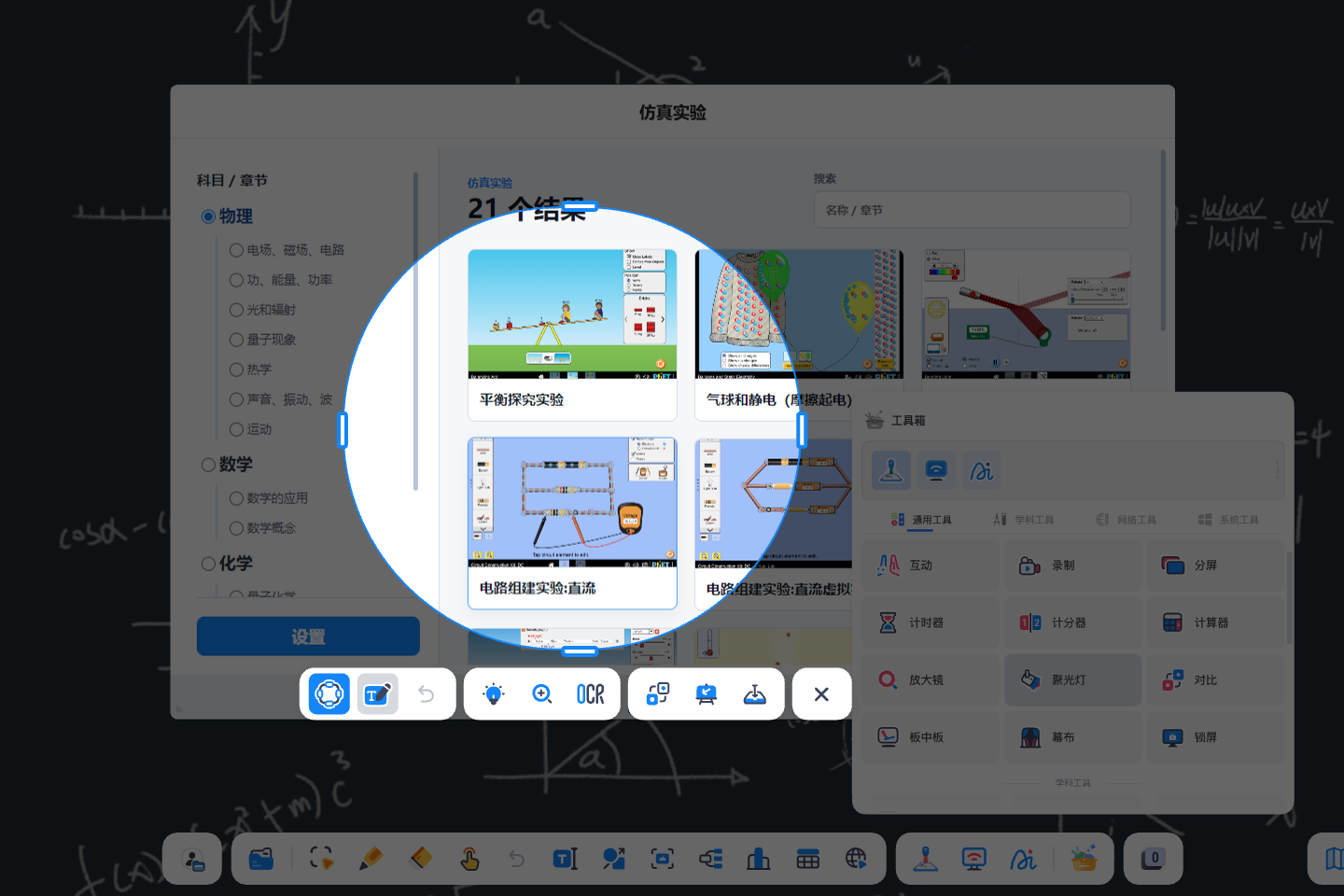
Essential Classroom Tools
Includes spotlight, magnifier, timer, ruler, browser, and other teaching utilities.
Helps teachers focus attention and improve lesson presentation.
Real-Time Lesson Recording
Records handwriting, teacher voice, and classroom interaction with one click.
Automatically creates lesson videos for review and student learning.
Wireless Screen Sharing
Supports screen sharing from smartphones, computers, and tablets.
Teachers can remotely control the whiteboard, annotate content, and share resources for flexible teaching.
Dual‑Screen, Multi‑Mode
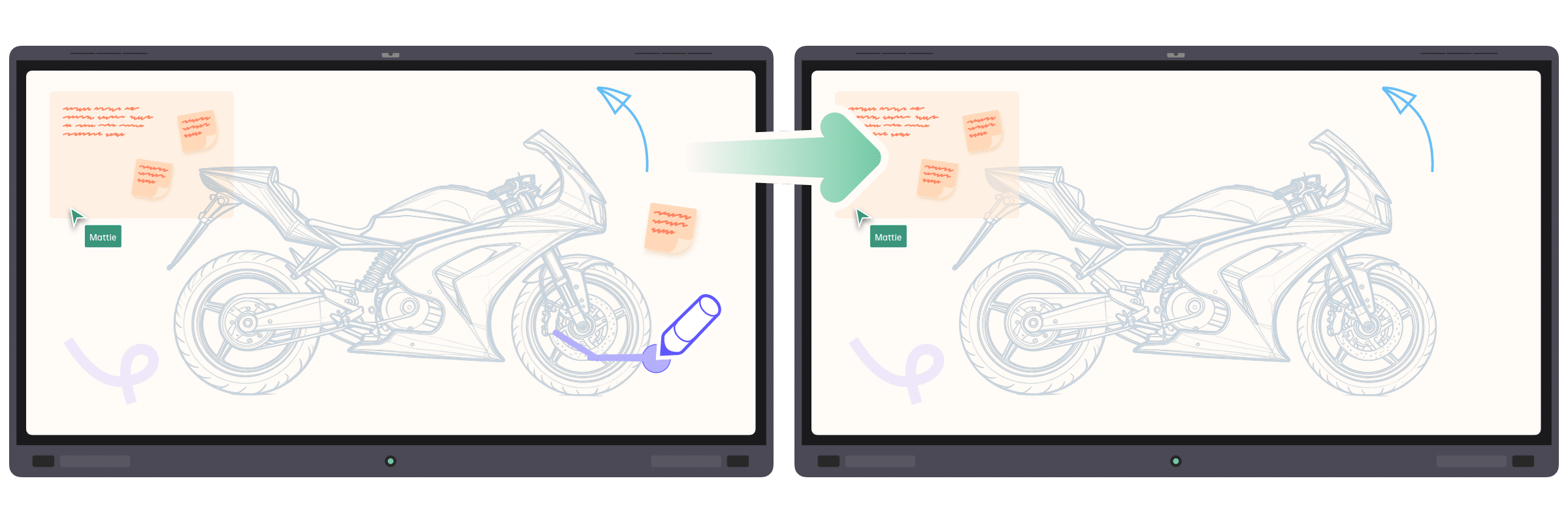
Solve off‑angle visibility issues: dual screens mirror content in real time and widen the visual field so every student—no matter the seat—gets an unobstructed, equal viewing experience.
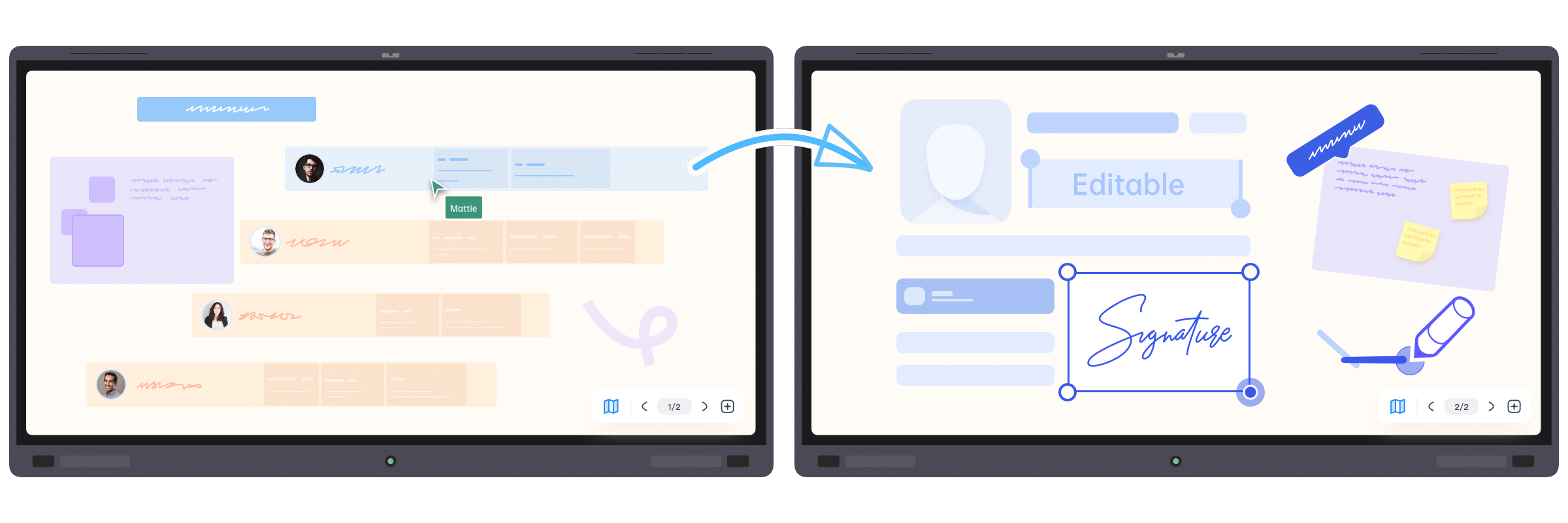
Go beyond single‑screen limits with dual whiteboards or dual PPTs to expand your content canvas. Teach new material on the main screen while the side screen retains prior key points, giving students time to catch up—balancing progress with individual pacing for better outcomes.
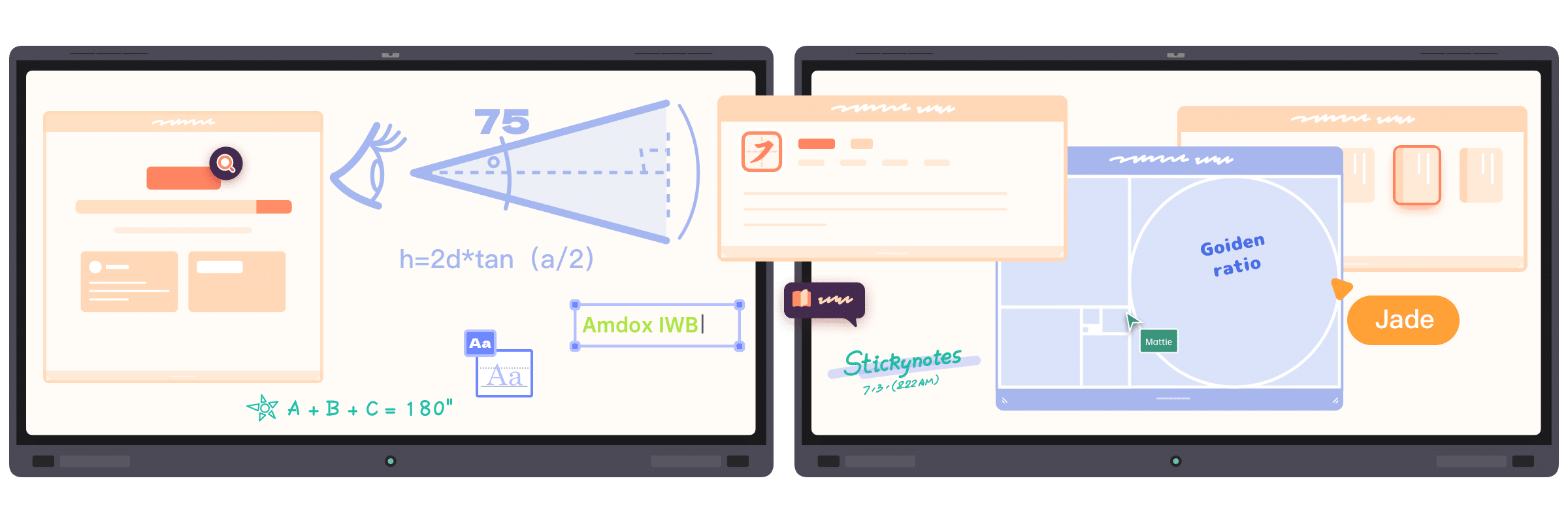
Present PPTs, whiteboards, and multimedia in parallel across screens. Explain core slides on the main display while annotating on the secondary whiteboard or playing videos/animations. Multitasking removes stop‑and‑switch friction, unifying lecture, interaction, and demo for smoother, richer, more immersive classes.
FAQ
What operating systems and devices does the interactive whiteboard software support?
The interactive whiteboard software supports common educational operating environments, including Windows, Kylin OS, and UOS.
It is compatible with various classroom devices such as interactive flat panels, smart blackboards, all-in-one teaching displays, and teacher computers.
What teaching scenarios is the interactive whiteboard software suitable for?
It is designed for various teaching scenarios, including daily lessons, courseware presentations, digital annotation, classroom interaction, experiment demonstrations, blended learning, and public lesson showcases.
It helps teachers organize and deliver lessons in a more natural and engaging way.
Does it support courseware import, annotation, and classroom recording?
Yes.
The software supports importing teaching resources in formats such as PPT, PDF, Word, images, and videos.
Teachers can write annotations, erase and edit content, save digital handwriting, and record classroom sessions directly within the platform.
How can we further evaluate the interactive whiteboard software?
You can first discuss your school’s existing devices, system environment, teaching workflows, and commonly used educational resources with our team.
We can then arrange product demonstrations, trial evaluations, or customized project solutions based on your requirements.
Contact Us
Schedule a demo to discover how live streaming, lecture recording & playback and devices management come together in one complete solution.